
The 6:30 AM Pivot: How Visual Dispatching Keeps Schedule Changes From Derailing Your Day

It is 6:30 AM on a Tuesday. Your dispatcher has a third cup of coffee in hand, staring at a schedule that took three hours to build the afternoon before. Every crane is assigned, rigging crews are paired up, and lowboys are lined up for transport.
Then the phone rings.
A general contractor at your largest job site is shutting down work for the morning due to high wind gusts. Five minutes later, another superintendent calls to say their foundation pour ran late, and they won't need the 100-ton mobile crane until tomorrow.
In heavy construction and crane service, morning schedule shifts aren't an exception—they are a daily reality. Yet, many contractors still manage these critical morning adjustments using static tools like Excel spreadsheets, magnetic whiteboards, or group text messages. When real-world delays hit, these manual systems buckle under the pressure, leading to stress, communication gaps between the office and the field, and costly double-booked equipment.
Why Spreadsheets Break Under Morning Pressure
To solve a recurring operational bottleneck, we have to look at the root cause rather than just treating the symptoms. When a morning schedule pivot turns into an all-day firefighting exercise, the problem usually isn't your dispatcher's work ethic—it is the tool they are forced to use.
Static spreadsheets and physical boards create three major operational hurdles:
- Isolated Information: When a schedule lives on a single spreadsheet or office whiteboard, field crews have zero visibility into changes unless someone manually calls or texts them.
- The Double-Entry Chasm: Moving a crane to a new time slot in Excel doesn't update the operator's field ticket or notify the billing department. Staff must re-key the same data across multiple systems, increasing the risk of billing lags and payroll errors.
- High Risk of Double-Booking: Spreadsheets cannot actively warn you about equipment conflicts. If a dispatcher shifts a delayed job to Thursday afternoon without remembering that the crane is already promised to another site, you face unexpected downtime and frustrated clients.
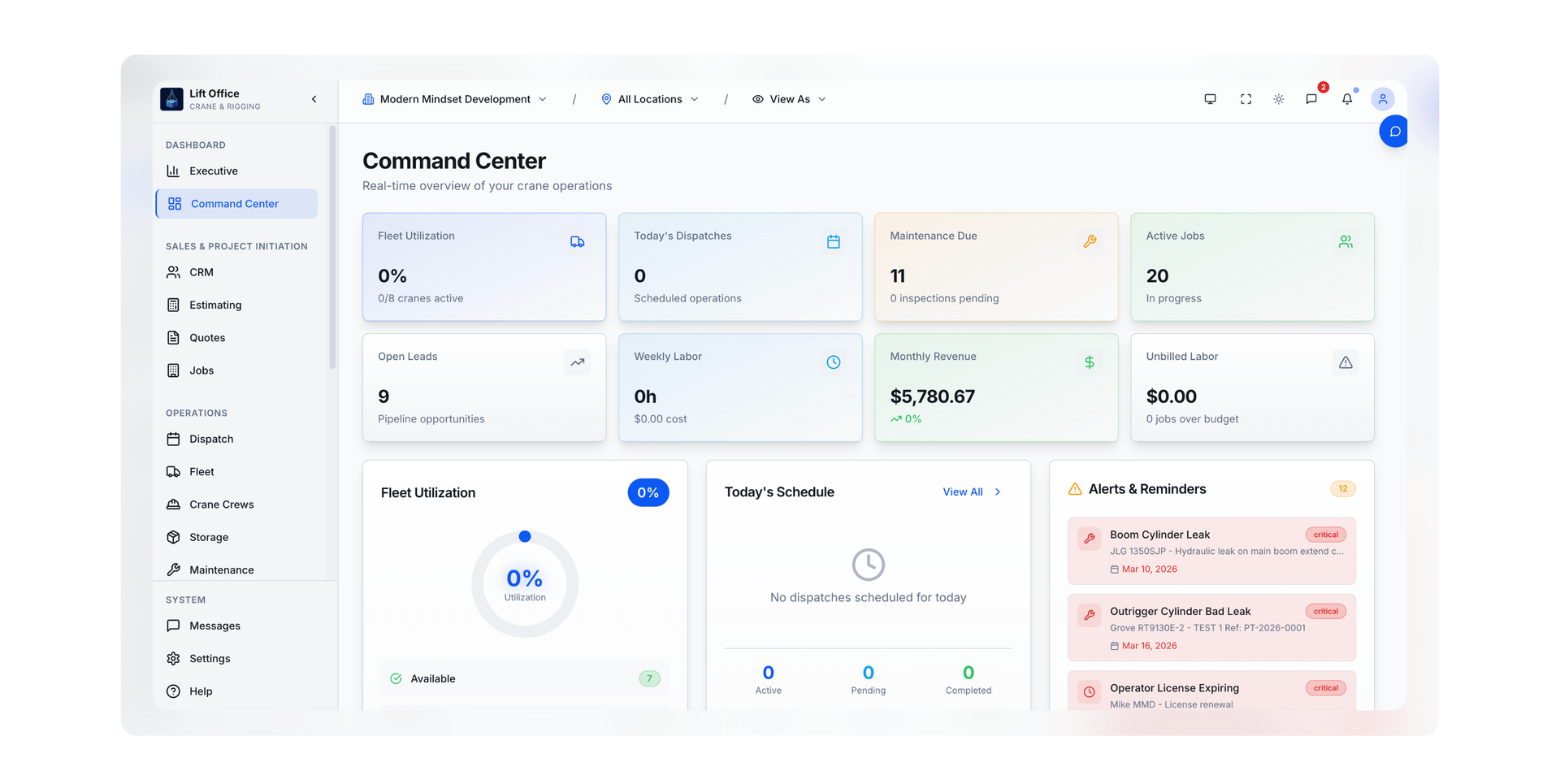
The 4-Step Workflow for a Calm Morning Pivot
When you replace static grids with a centralized, visual dispatch board, you change how your office responds to unexpected delays. Instead of relying on human memory to juggle complex crane configurations and operator certifications, the software acts as a single source of truth.
Here is how a modernized dispatch desk handles a last-minute schedule change using visual drag-and-drop tools:
- Identify the Delay Instantly: When a job site calls to push a pick by four hours, the dispatcher locates the visual block representing the crane and crew on the daily timeline.
- Drag and Drop to Reassign: Instead of typing new dates into multiple cells, the dispatcher clicks and drags the block to the new time slot or shifts it to an available backup asset.
- Automatic Conflict Check:
The schedule board checks availability instantly. If that move creates an overlap with another project or an equipment maintenance window, the system flags the conflict before the change is finalized.
- Instant Field Notification: Once the move is confirmed, the assigned crane operator and rigging crew receive an automatic update on their mobile devices, keeping everyone on the same page without a messy chain of phone calls.
Applying a Continuous Improvement Mindset to Your Fleet
Improving your dispatch operations shouldn't stop when the morning rush ends. By applying a Plan–Do–Study–Act (PDSA) approach to your scheduling data, you can turn daily operations into a tool for long-term business growth.
When your dispatch board connects directly to field tickets and equipment logs, managers can study accurate historical trends. You can track how often weather delays impact specific job sites, see which cranes sit idle most frequently, and identify exactly where communication breakdowns happen between the yard and the customer. Understanding these patterns allows you to refine your bidding strategy, schedule preventive maintenance during natural downtime, and make smarter decisions about buying new equipment.
You Can’t Stop the Weather, But You Can Retire the Spreadsheet.
You cannot control the weather, job site readiness, or traffic delays—but you can control how your business responds to them. Moving away from spreadsheets to a visual dispatch process isn't about buying fancy technology; it is about protecting your dispatchers from burnout, eliminating redundant data entry, and keeping your field crews moving safely and predictably.
Frequently Asked Questions
What is visual dispatching in construction and crane service?
Visual dispatching uses a graphical timeline or calendar interface to assign equipment, vehicles, and crews to job sites. Instead of typing data into static spreadsheet cells, dispatchers can see asset availability at a glance and adjust schedules by moving visual blocks, which automatically updates project timelines.
How does drag-and-drop scheduling prevent double-booking equipment?
Modern visual scheduling boards track all equipment assets, operator certifications, and maintenance schedules in a central database. When a dispatcher tries to move an asset into a time slot where it is already booked or undergoing maintenance, the system alerts them immediately, preventing scheduling conflicts before they reach the job site.
Why is spreadsheet scheduling a bottleneck for growing contractors?
Spreadsheets do not communicate with mobile field apps or accounting software. When a schedule changes in an Excel file, office staff must manually call operators to update them and re-type the new hours into billing software later. This manual effort increases overhead, delays invoicing, and creates high stress for office staff.
Can field workers see schedule changes in real time?
Yes. When a dispatcher updates a job on a centralized digital schedule board, the assigned operators and rigging crews see the changes immediately through their mobile field applications. This ensures foremen and operators always have the correct job site addresses, safety notes, and arrival times without needing constant check-in calls.
Ready to Simplify Your Dispatch Desk?
We help mid-sized contractors ditch fragile spreadsheets and build a dispatch workflow that protects your team and scales with your fleet.
Recent Posts